Explore five approaches
Try Guyton–Klinger guardrails, portfolio percentage, variable percentage withdrawals, Clyatt’s 95% rule, or the Kitces ratchet.
Retirement spending strategies
Explore retirement spending that responds to your portfolio. Compare flexible rules and see the trade-off between enjoying today and funding tomorrow.
See what’s possible
Set the spending boundaries you’re comfortable exploring, choose a rule, and see the effects across retired years.
Read the detailed guideTry Guyton–Klinger guardrails, portfolio percentage, variable percentage withdrawals, Clyatt’s 95% rule, or the Kitces ratchet.
Use a spending floor and ceiling to explore a range that makes sense for the lifestyle you’re modeling.
Follow changes in annual spending, withdrawals, and the portfolio through the same projection.
Explore the details
Housing, family costs, healthcare, and everyday living do not all follow the same path. The spending chart separates those commitments before you decide which expenses should respond to a retirement rule. Reviewing the composition helps you distinguish an adjustable budget from costs that remain in the plan.
From a question to a clearer picture
The Spending Simulator changes selected spending cards during retirement. Its effect is visible in the same cash flow, withdrawal, and portfolio projections as the rest of the plan.
Enter the ordinary expenses and their timing first. The simulator can leave spending as written, or allow chosen cards to respond to the portfolio.
Select one of the five approaches, tune its available controls, and set minimum and maximum spending. Choose which cards it may adjust and narrow the retirement years in which it operates.
After applying the settings, inspect annual spending and withdrawals alongside the portfolio. Look for years with reductions or increases, then explore a historical market sequence to see a different response.
Connect the whole plan
A spending rule determines what the household plans to spend; the withdrawal order determines where a shortfall is funded. These choices work together. Reviewing the order helps explain why a reduction in spending may preserve one account while another source still supplies the year’s remaining needs.
One way to use it · illustrative scenario
Imagine a retired couple who wants to explore flexible travel spending while keeping their other spending cards outside the adjustment rule.
Try an example planThey select the travel card, choose Guardrails, and set the adjustment size and spending boundaries they want to model.
They compare the amounts assigned to travel each year, any guardrail crossings, and the resulting withdrawals. A historical downturn gives them another sequence in which to inspect those same choices.
This hypothetical exercise reveals what following the rule would ask of the modeled budget. A larger ending portfolio is only part of that story; the path of spending matters too.
Make sense of what you see
Guardrails can raise or lower spending after thresholds are crossed. A portfolio-share rule follows the available balance; VPW changes the percentage with the remaining horizon. The 95% rule smooths cuts, while the ratchet raises spending without cutting it.
Minimum and maximum spending are percentages of the selected card amounts. They bound the adjustment; they are not a promised income level or a guarantee that the plan can fund it.
The default covers retirement. A narrower window starts the rule where that window opens, so a policy beginning after a pension starts can behave differently from one beginning at retirement.
A little more detail
You choose its spending cards. Unselected cards stay outside the adjustment, and the rule accounts for those commitments when determining what the selected spending can do. The selection must include at least one enabled card.
No. These rules operate in retired years only, even if a chosen date range begins earlier. Working-year expenses continue to follow their ordinary card settings.
The cards remain the underlying spending plan; the saved strategy determines their adjustment during applicable years. Switching back to spending as planned stops the rule while retaining its configured settings for another comparison.
Keep exploring
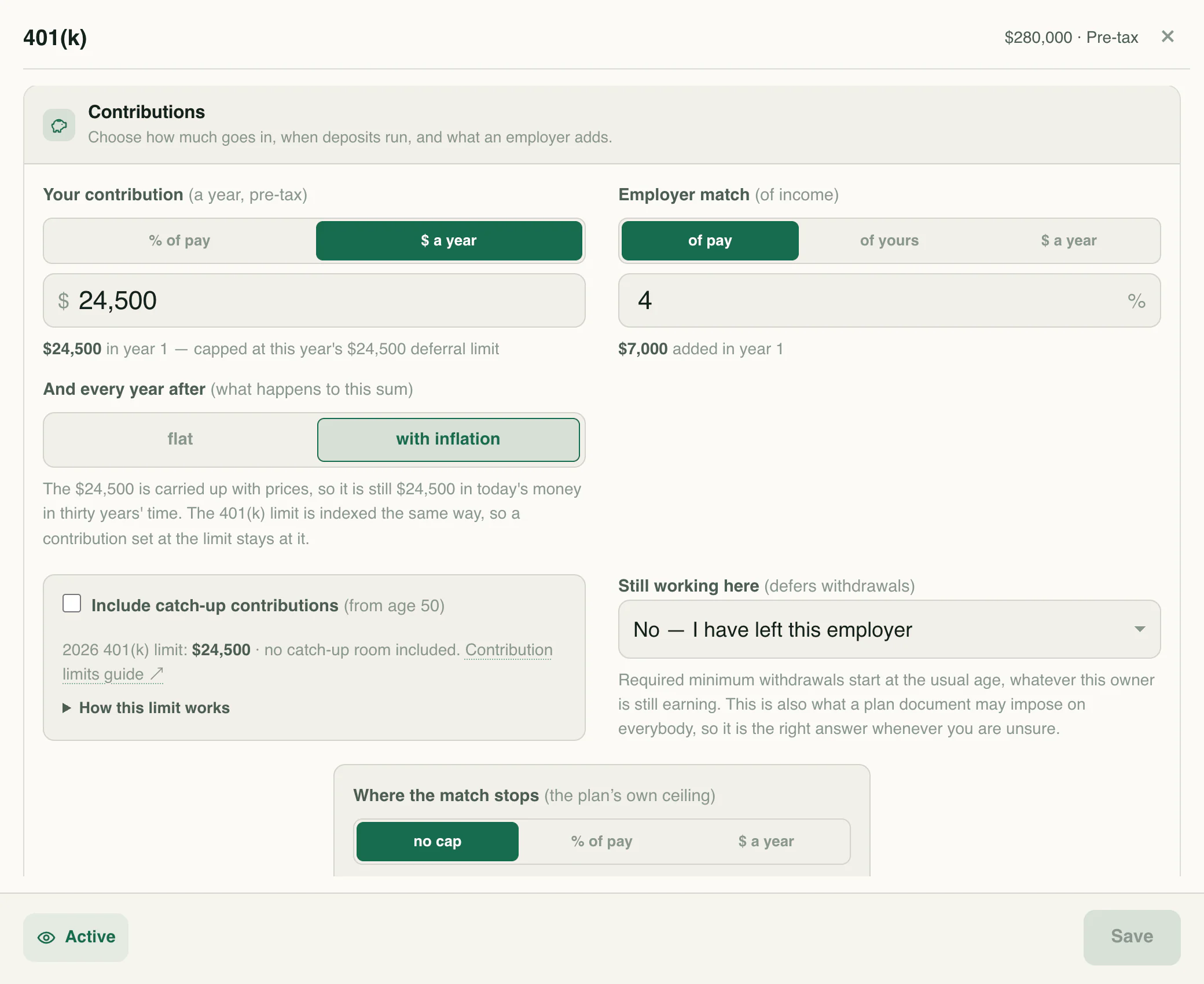
Explore retirement dates, 401(k) contributions, Social Security, and withdrawals with retirement planning software that connects saving to income after work.
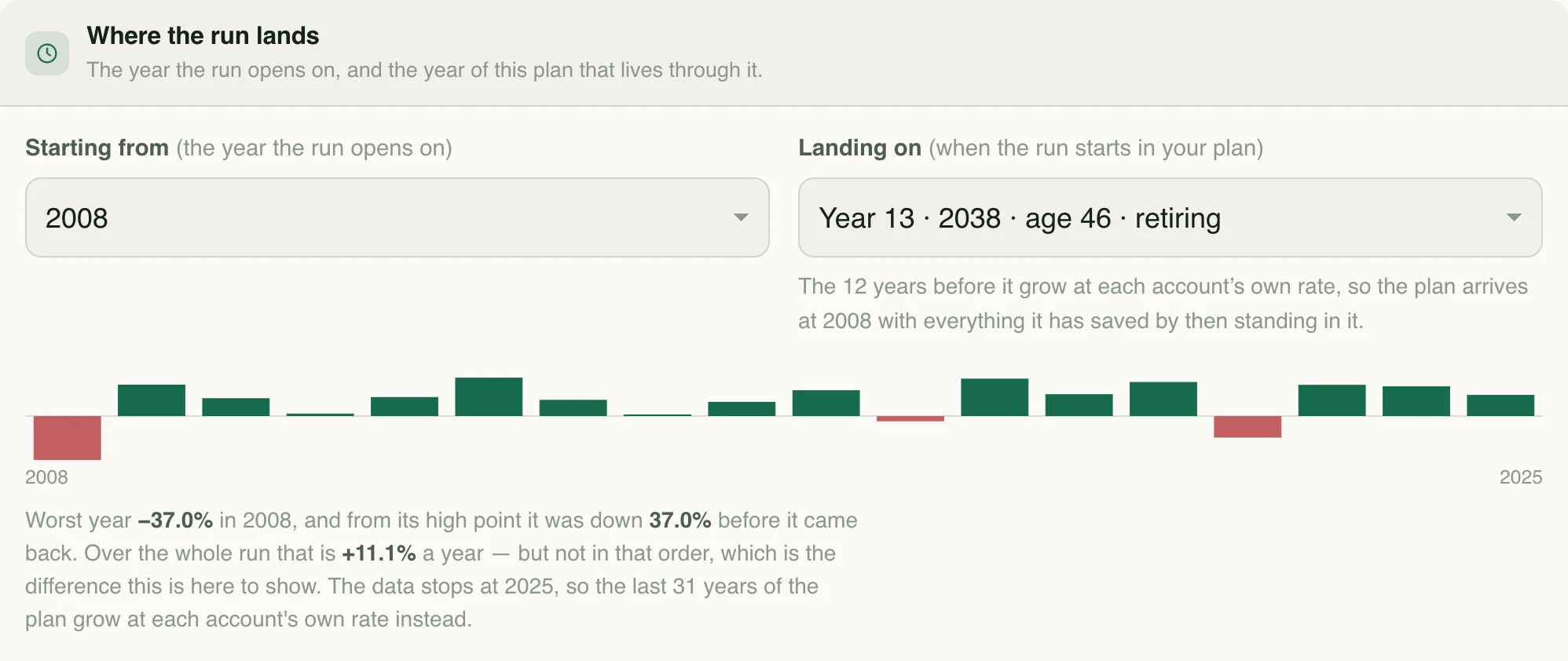
Replay historical market returns and explore how the timing of downturns changes your financial plan.
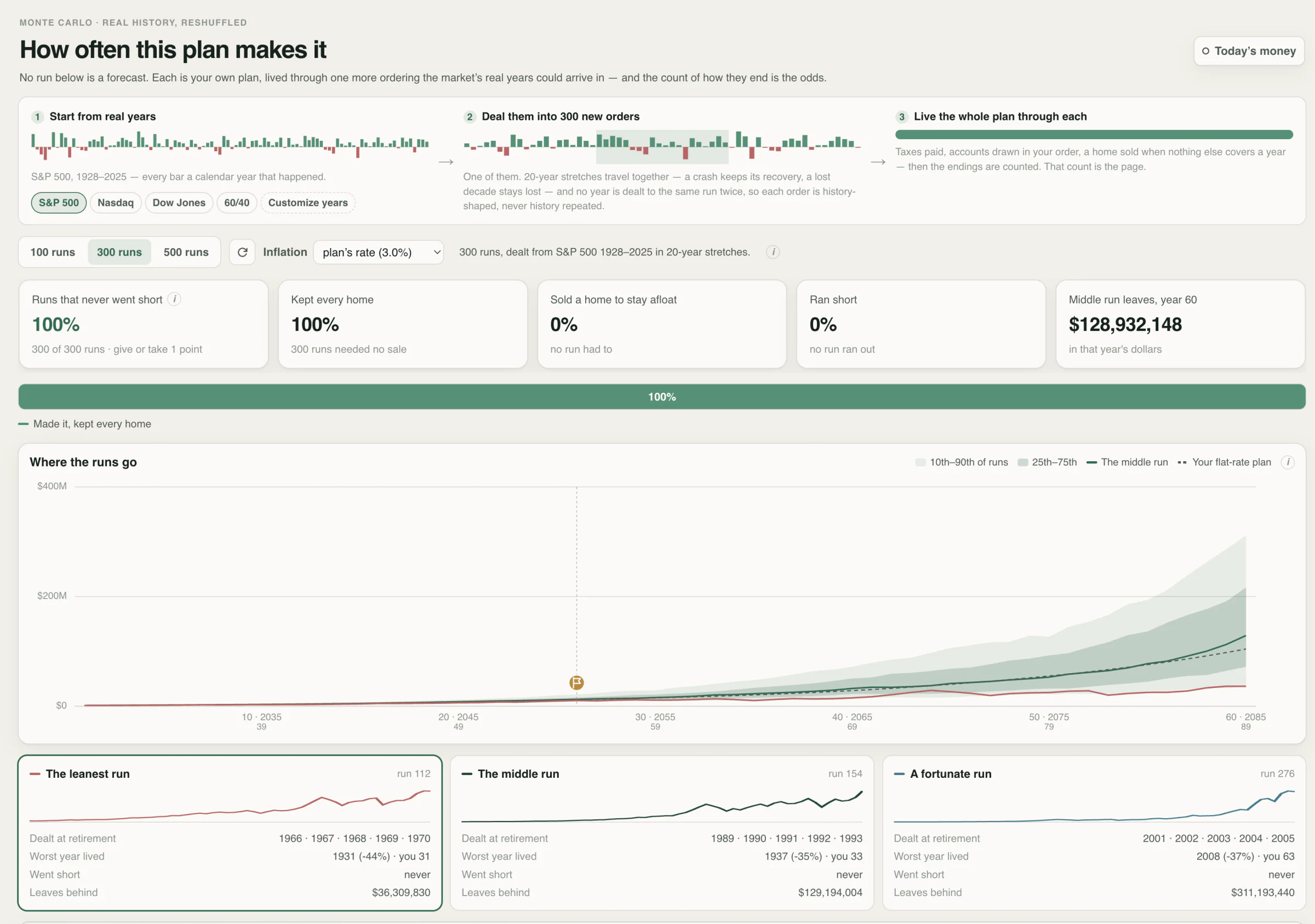
Stress-test your financial plan with historical market sequences and explore a range of possible outcomes.
Know the language
Your next chapter
Start with your numbers. See where they could lead.